Digital Media Degradation — Called Bit Rot, Data Rot
Did They?
Time is Silently Destroying Your Digital
Family Movies, Photos, Business Records
The video still matters.
The old technology around it
does not.
• STOP VALUABLE DATA LOSS • UPGRADE OLD VIDEO FORMATS • CONVERT CD & DVD VIDEO FILES • SAVE IMPORTANT FILES TO MODERN MEDIA •Preserve Your Old Video Files Now To Latest TechnologyLarge USB & HDD File Updates · CD and DVD Group File Update
During the late 1990s through roughly 2015, a massive wave of analog-to-digital conversion moved millions of family memories and business records from aging analog media onto CDs, DVDs, and other digital formats thought to be permanent. Nearly thirty years later, many of those once-modern storage technologies have become legacy media themselves—aging, degrading, and increasingly difficult to access and many now totally unplayable. A new generation of preservation is now needed to protect what was preserved decades ago—before it is lost again.
📼 Family Memories · Business Recordings · Historical Archives · Church & School · Videographer Projects
⚙ Specialized Legacy Video Transcoding — 4KVT · 4K Video Transcoding
Long Ago...
The Old Movies To Video Nightmare
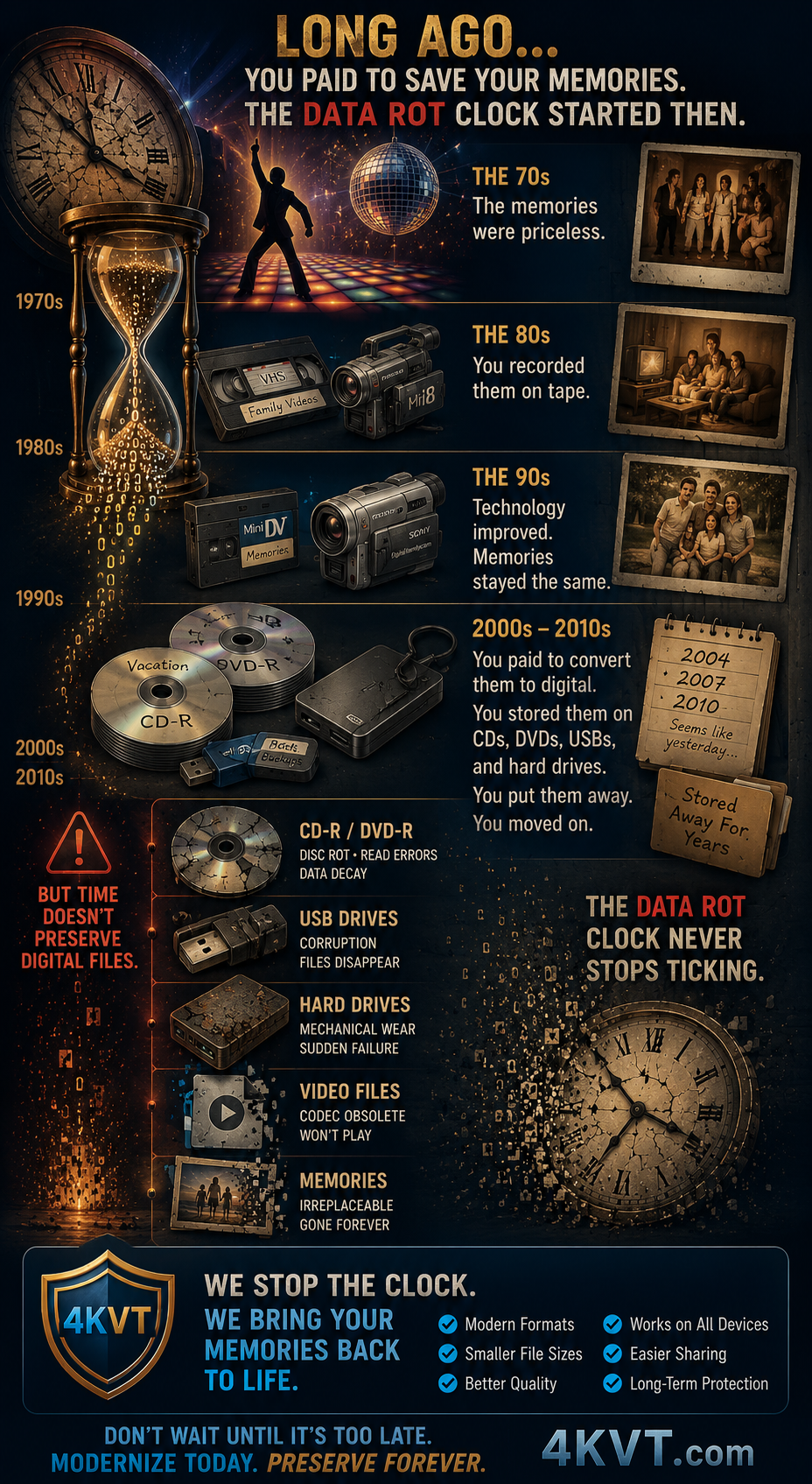
You paid to have your VHS tapes, camcorder recordings, DVDs, and family movies converted to digital files at great cost. You had those digital files stored on CD, DVD, USB, or hard drives — where the Data Rot time clock started its decay cycle.
You had those old generation digital files on that storage media get lost under progressive years of newer replacement file types and technologies. But no one told you they would only last a short period of time while taking your money to go modern digital way back then — did they?
And no one told you those digital files would decay, degrade, and eventually become unplayable — while your irreplaceable memories sat quietly disappearing on a shelf.
Many people successfully preserved their old photos, analog films, and tapes — but never modernized the digital file created from it, or the media they stored it on.
Original file always preserved · Pricing shown before checkout · No technical knowledge required
The Truth Is Physics and the Nature of Materials, Electrons, Technology
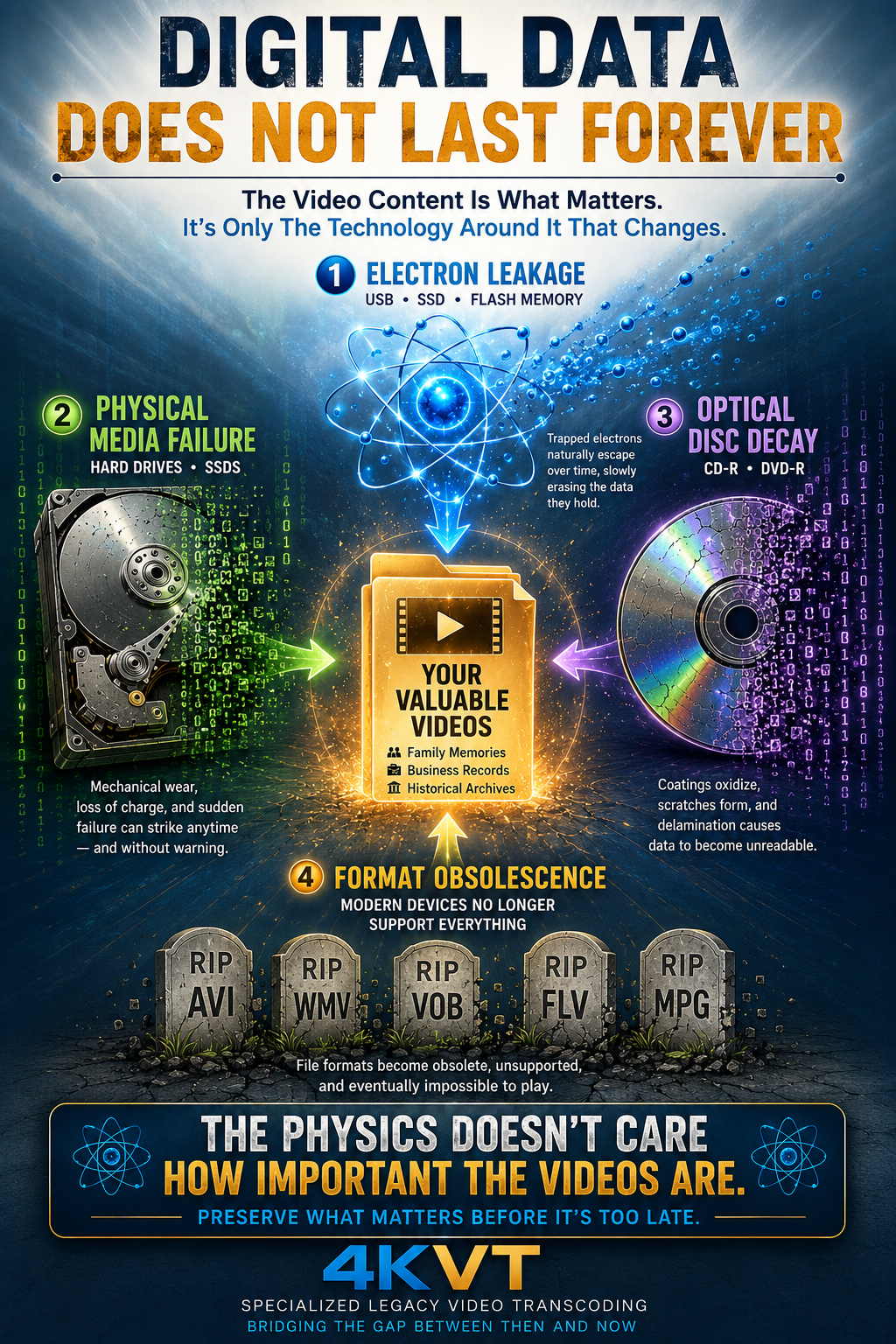
Electron Leakage
Memory storage chips like USB flash drives rely on trapped electrons to store data — which naturally dissipate over time, erasing the data they held.
Physical Media Failure
Hard drives suffer from mechanical wear. Solid-state drives lose electric charge over time if left unplugged. Both eventually fail — often suddenly and without warning.
Optical Disc Decay
CDs and DVDs have data coatings that oxidize, scratch, and delaminate — losing their ability to retain data imprints permanently.
Link Rot & Digital Decay
File formats become obsolete, unreadable, unplayable, and unusable in modern devices — or so poorly playable they are effectively lost.
Unlike analog formats like old tape or film, digital data does not degrade gracefully — a single flipped bit can render an entire file completely unreadable.
Media Type
Estimated Lifespan
External HDD
3 – 5 Years
USB Flash Drives / SD Cards
10 – 30 Years (highly variable)
SSD
5 – 10 Years (or based on write cycles)
CDs / DVDs (Recorded)
2 – 5 Years
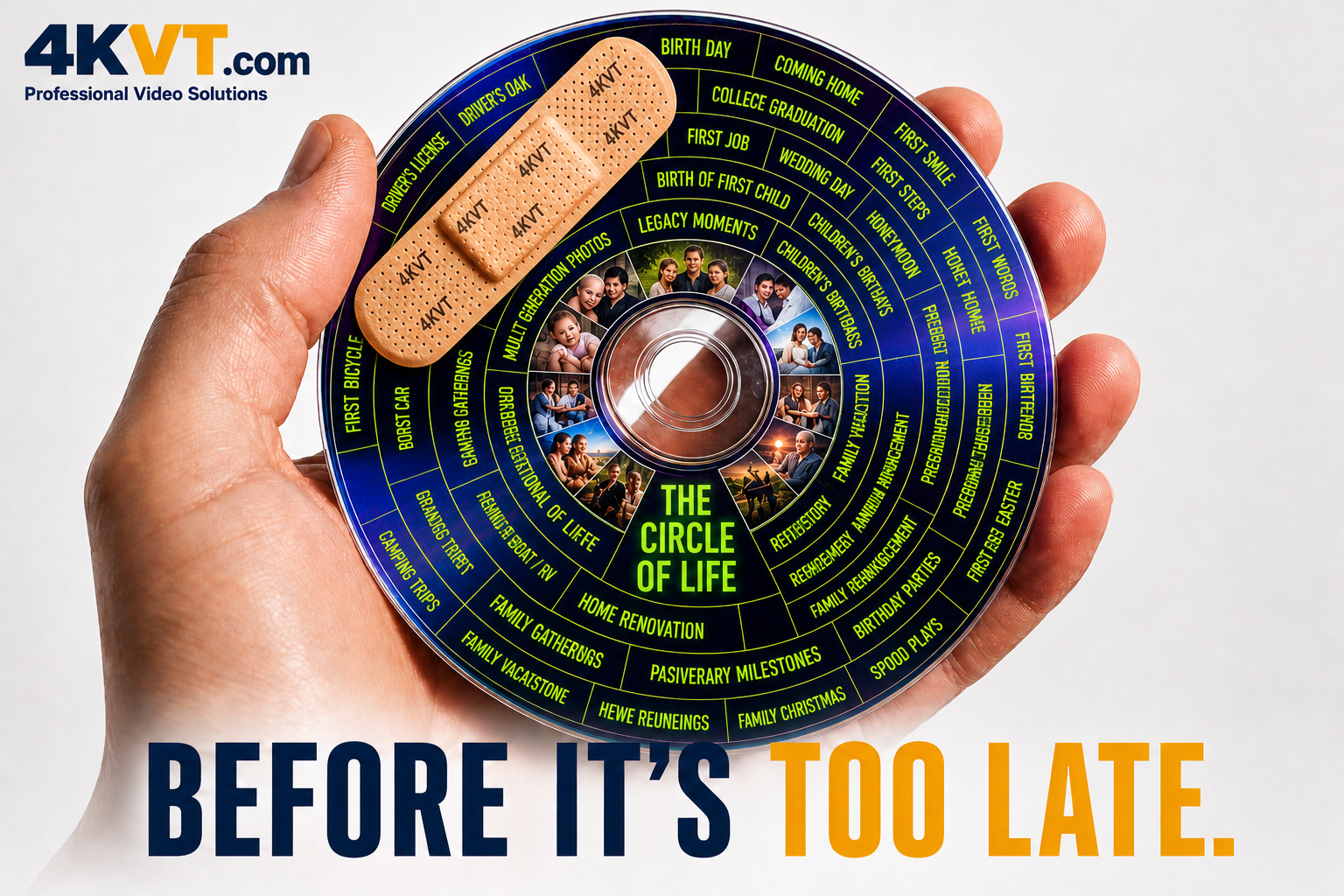
The Physics Doesn't Care How Important The Videos Are. Preserve What Matters Before It's Too Late.
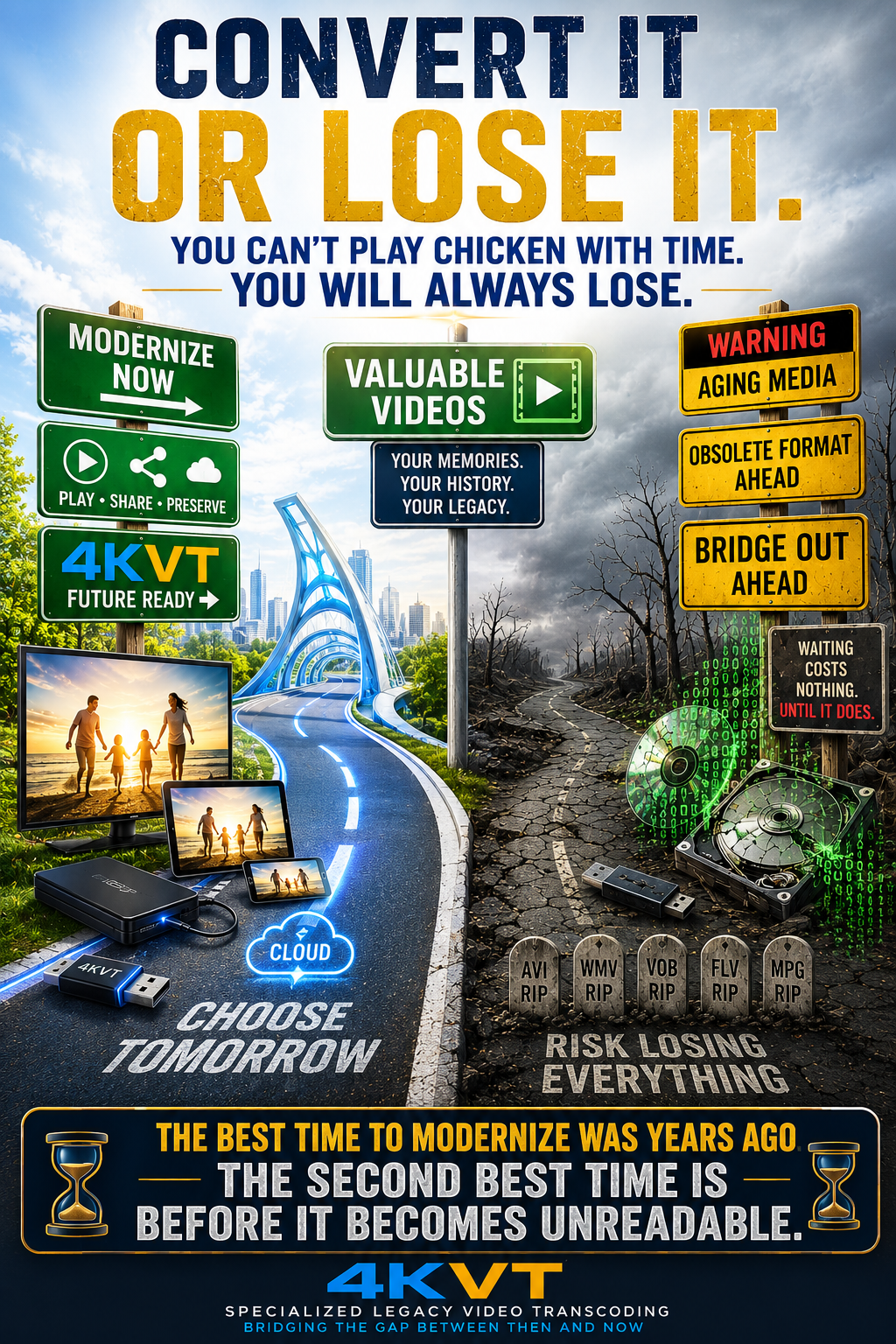
You Can't Play Chicken With Time. You Will Always Lose.
Time is relentless — and things of value must be retained and maintained against the effects of decay.
Just like famous paintings, statues, books, and ancient artifacts — your family and business video assets are no different. They require active preservation and modernization to survive against the effects of time.
Update Your Digital File
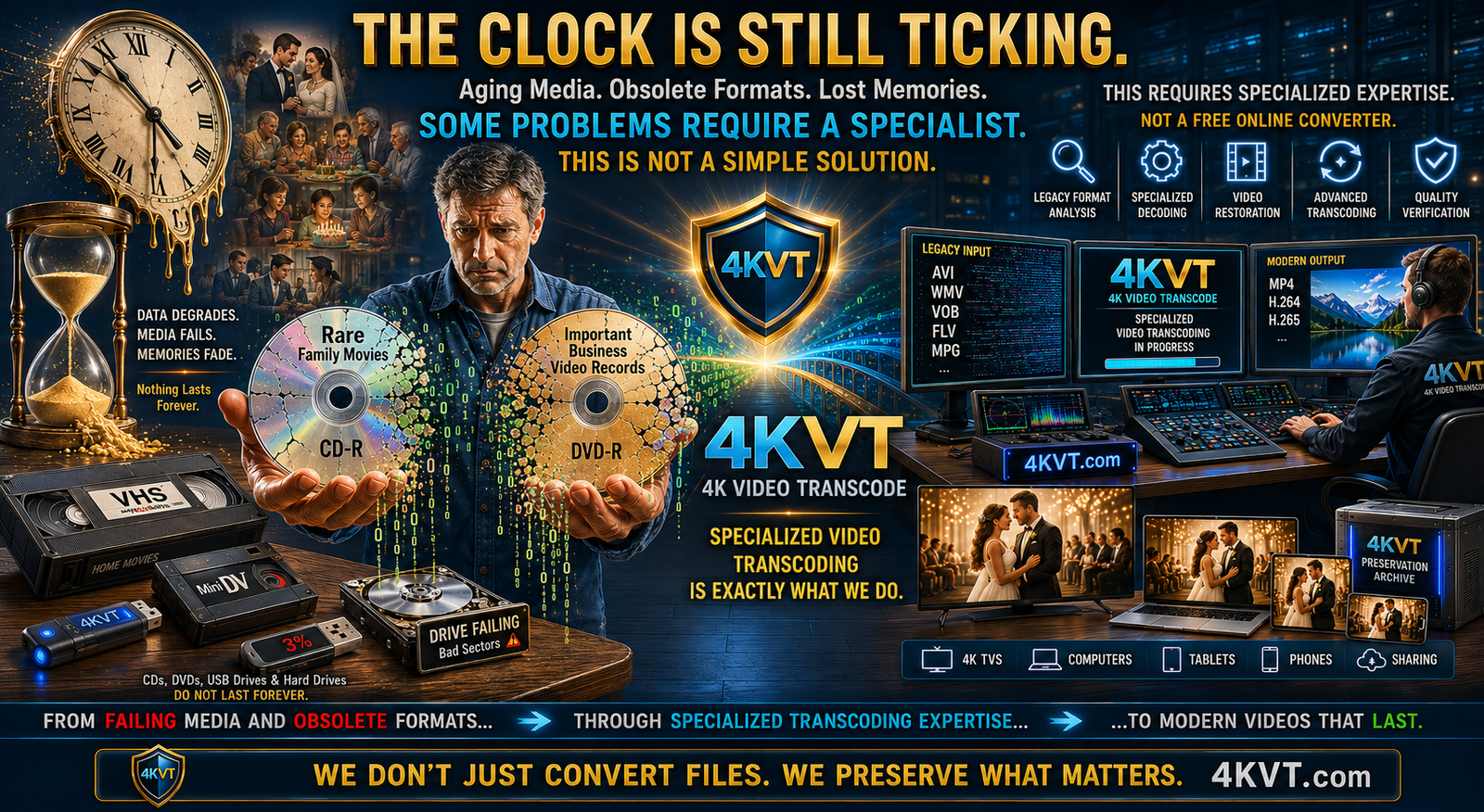
Your old AVI, WMV, MPG, VOB, and FLV files need to be transcoded to modern formats that today's devices can actually read, play, and share — before they become fully unreadable.
Update Your Storage Media
The CD-R, DVD-R, hard drive, or USB stick your files live on right now is aging. Moving your files to current storage media is as important as updating the files themselves.
The real market is not VHS tapes. The real market is not DVD conversions. The real market is not even old family movies.
The real market is valuable videos trapped inside aging technology.
Every Type Of Valuable Video
Family Memories & Home Movies
Weddings, Anniversaries & Graduations
Birthdays & Celebrations
Memorial & Tribute Videos
Business Recordings & Presentations
Employee Training Materials
Historical Archives & Government Records
Church & Religious Productions
School & Academic Productions
Photographer & Videographer Deliverables
Legacy Digital Video Files
The Common Problem Is Always The Same
Storage media ages and fails
Playback devices change and disappear
Codecs become obsolete
File formats disappear entirely
Software support ends
Modern devices stop speaking the language those videos were created in
Some become difficult to share
Some become difficult to upload
Some become difficult to play
Some become impossible to access at all
The video still matters.
The technology around it does not.
4KVT exists to bridge that gap. Not because the memories are old. Not because the recordings are unimportant. But because the technology surrounding them has changed.
The older the recording, the more likely it is that modernization, preservation, transcoding, compatibility correction, and specialist intervention will eventually become necessary.
Preserve what matters. Modernize what no longer works. Keep valuable videos usable for future generations.
Many people assume that once their tapes were converted, their memories became safe forever. Unfortunately, that is not always true.
The original VHS tapes, camcorder tapes, DVDs, CDs, hard drives, memory cards, USB drives, and older storage devices continue to age. Some degrade slowly. Some fail suddenly. Some become unreadable because the equipment needed to access them disappears.
Many irreplaceable videos are lost every year — not because the memories were unimportant, but because technology and storage media eventually fail.
VHS Tapes
10–30 years typical
Most are already 25–45+ years old. Larger threat: finding a working VCR to play them.
Recordable DVD-R / DVD+R
5–25 years (consumer media)
Consumer DVD-Rs used by conversion services degrade far faster than commercial movie discs.
CD-R
Cheap: 2–10 yrs · Premium: 20–50 yrs
The dye layer physically changes over time. Many early CD-Rs are already unreadable.
External Hard Drives
3–7 years average
Failure is often sudden. Many family archives disappear this way. Worked yesterday. Dead today.
USB Flash Drives
5–15 years
Flash memory slowly loses charge. Unused drives stored in a drawer can become unreadable.
MiniDV / Hi8 / Digital8
15–30 years
Many people still have playable tapes but cannot find a working camera to read them.
The DVD Myth: Burned DVDs Are Not Movie DVDs
Many conversion services delivered videos on consumer recordable DVD-R media. People often assume their DVD lasts as long as a Hollywood movie disc. They are fundamentally different.
Commercial movie DVDs are factory-pressed with metal stamping using industrial equipment. Home-burned DVDs use an organic dye layer with a consumer burner — significantly shorter lifespan with quality varying dramatically by media brand.
If your videos still exist today, this may be the best opportunity to preserve, modernize, optimize, and prepare them for future generations before further degradation or loss occurs.
The best time to modernize a video was years ago. The second-best time is before it becomes unreadable.
Your Conversion May Look Worse Today Than It Did Years Ago
Nothing changed about your memories. The screen changed.
What looked acceptable on an old DVD player and 32-inch television often looks dramatically worse on today's large high-resolution screens. Modern displays expose flaws that older displays hid for years.
What once looked acceptable may now appear soft, noisy, unstable, oversized, or difficult to play.
Noise
Artifacts
Compression Damage
Interlacing
Softness
Motion Problems
Color Degradation
All become more obvious on today's TVs and monitors.
The playback devices changed. The video standards changed.
Correcting these issues in legacy files is specialized video transcoding work that general tools and free converters are simply not built to handle.
The Problem
The Conversion Was Only Step One
All tape-to-video conversion services could only convert your movies using the technology and standards available at the time.
Usually at the lowest practical price — using equipment designed for general bulk transfers, not individualized quality. Mission accomplished. But technology never stopped moving. Moving from that era of technology to today's standards is specialized legacy video transcoding work.
📼VHS / Tape
Original analog memories
💿DVD / Early Digital
Converted using old standards
💾Legacy Files
AVI, MPG, MOV, WMV, old MP4
📺Modern Screens
4K, 8K, smart TVs, phones
⚡4KVT
Modernized for today's devices
Self-Identify Your Era
When Were Your Videos Converted?
The year your videos were converted may tell a lot about the technology, formats, and standards used to create them.
Most people know exactly when they had their tapes converted. That year suddenly explains a great deal about why the conversion itself may now be aging.
Late 1990s – Early 2000s
Early Digital Conversion Era
VHS To DVD Transfers
MPEG-1 And MPEG-2 Formats
CD And DVD Delivery
Early Capture Hardware
Lower Storage Capacity
Older Compression Methods
Designed For CRT Televisions And DVD Players
2010s – Present
Modern Digitization Era
MP4 Becoming Common
Higher Resolution Devices
Smart TVs And Mobile Devices
Social Media Sharing
Streaming Platforms
Improved Compression Standards
Many Still Used Bulk Processing
The Reality
How Old Is Your Conversion?
2002 conversion is now 20+ years old
2010 conversion is already 15+ years old
2015 conversion is now a decade old
"Modern" standards from a decade ago may already be legacy
Storage media continues to age and degrade
Devices needed to play them disappear
Many conversions from the early era were never intended to be viewed on modern 4K and 8K displays.
Even conversions made a decade ago may now rely on legacy formats, older compression methods, and outdated playback assumptions.
If your conversion is 10, 15, or 20 years old, the technology used to create it may already be considered legacy. If it is 20+ years old, portions of the workflow, formats, software, playback devices, and storage media may already be obsolete. Files of that age require specialized transcoding work to decode and modernize correctly.
Your VHS Tape Was Old.
Now Your Conversion Is Old Too.
The question is:
Will your videos still be ready for the next generation of technology?
4KVT helps make older video conversions easier to watch, easier to share, and more likely to work correctly on today's devices.
4KVT Doesn't Make Your Video...
4KVT Just Makes Your Video Better!!!
Better playback compatibility
Smaller file sizes
Modern video standards
Easier sharing
Better TV playback
Better USB playback
Better website playback
Better mobile playback
Better social media compatibility
AVI / WMV / MPG updated
Improved viewing experience
Original file preserved
⚙ Specialized Work
Why This Requires A Specialist
Restoring and modernizing older legacy video files is not the same as converting a modern video file. Not even close.
Older formats like AVI, MPG, WMV, VOB, and FLV were built around technologies, codecs, and playback standards that modern equipment was simply never designed to handle. Modern devices don't speak that language anymore — and in many cases actively reject it entirely.
Getting from that older format to something today's devices can use requires specialized video transcoding work. It is a time-consuming, resource-intensive process that general online converters are not built to handle correctly for files of this type and age.
The Name Says It All
4KVT — 4K Video Transcoding
Specialized Video Transcoding Is Exactly What We Do
Think of it like hard drive data recovery. When a hard drive fails with irreplaceable files at risk, you don't hand it to a general computer repair shop and hope for the best. You send it to a specialist — someone with the right tools, the right process, and the experience to extract what remains before it's gone forever.
Modernizing your legacy video files works the same way. The older the format, the more specialized the decoding process required to read it correctly, preserve what's there, and rebuild it into something today's devices can actually use. This is not a job for a free online converter. This is specialized work — and that is exactly why 4KVT exists.
Hard Drive Data Recovery
When a drive fails with irreplaceable files, you send it to a specialist with the right tools and process — not a general repair shop. The stakes are too high and the work too specialized for a generic approach.
4KVT Legacy Video Restoration
When an old video file won't play, won't upload, or is locked inside an obsolete format, you need a specialist in legacy video transcoding — not a general online converter. The memories are irreplaceable. The work is specialized.
This is not just another computer file.
This is specialized transcoding work — and 4KVT specializes in exactly this.
The Tape Was Preserved. Now Preserve The Conversion.
Your memories were important enough to save once. They're important enough to save correctly.
4KVT helps modernize older video conversions for better appearance, better compatibility, better playback, easier sharing, and continued enjoyment for years to come.
If you have older videos that remain important, valuable, historically significant, or difficult to replace — 4KVT may help modernize those files for better quality, better compatibility, and continued use for years to come.
The technology used to create these videos may be aging. The memories, information, training, records, and history they contain are not.
Families & Individuals
Family Videos
VHS Tape Conversions
Camcorder Recordings
Wedding Videos
Anniversary Videos
Family History Projects
Memorial & Tribute Videos
Personal Archives
Home Movies
Digital Photo & Video Slideshows
Business & Professional
Small & Large Businesses
Employee Training Videos
Corporate Presentations
Marketing Videos
Product Demonstrations
Internal Communications
Human Resources Archives
Real Estate Companies
Property Management
Construction & Development
Architectural Firms
Education, Government & Archives
Schools, Colleges & Universities
Libraries & Museums
Historical Societies
Research Organizations
Municipal Governments
State Agencies
Public Meeting Recordings
Churches & Religious Organizations
Nonprofit Organizations
Legal Video Archives
Oral History Projects
Conference Recordings
Whether preserving family memories, protecting business assets, maintaining training libraries, safeguarding historical archives, or extending the useful life of valuable video collections — 4KVT helps bring older video assets up to modern standards.